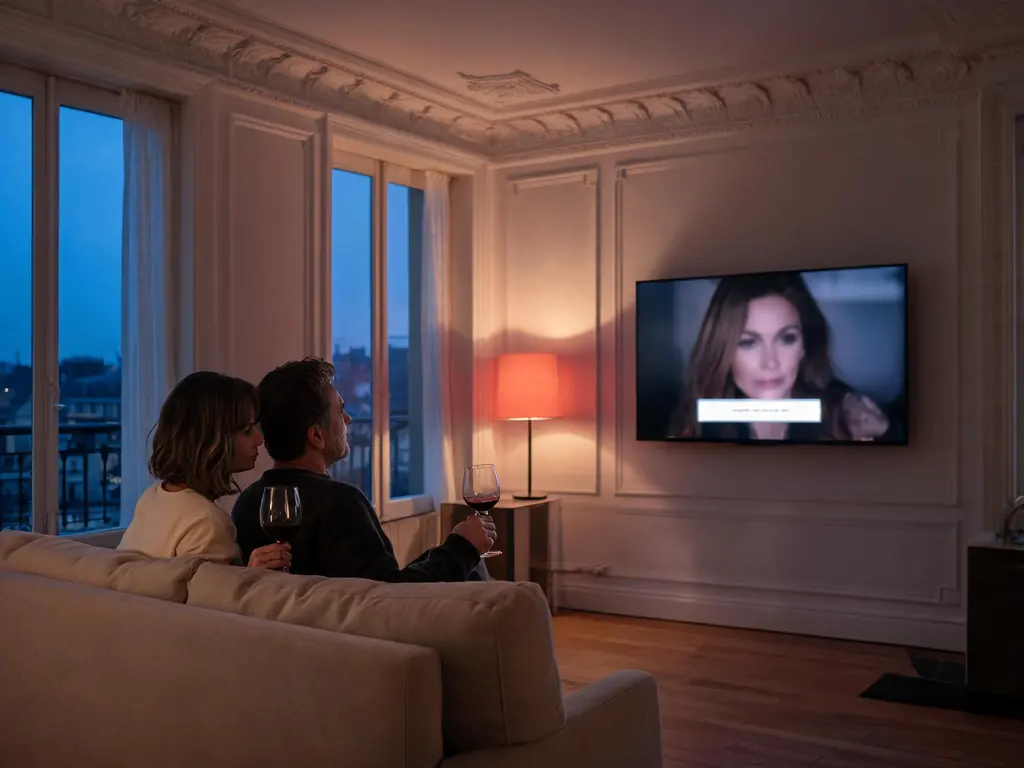
| Films and series | Text tracks inside the file, chosen in the player during playback |
|---|---|
| Live channels | Captions only where the feed still carries them, and many carry none |
| Best test | The same title in VLC on a computer, or in IPTV Smarters Pro on a phone |
| Cannot be added | Subtitles the file or the broadcaster never contained |
| Help | WhatsApp +1 917 793 9264, with the title, the player and what the list shows |
What you notice, and what it means
Subtitle faults look alike from the sofa yet differ in cause. Match what you see to a row.
| What you notice | Likely cause | Fix |
|---|---|---|
| No subtitle button | A playlist login, or a TV store app that hides it | Re-add with the Xtream login, or test another player |
| Tracks listed, none show | An image-based track the player cannot draw, or an empty one | Pick another entry; test the title in VLC |
| Only odd lines appear | A forced track, for foreign-language passages only | Choose the full or SDH entry |
| Fine on phone, not TV | Two players with different subtitle support | Use the player that draws them on the TV |
| Boxes or scrambled letters | Wrong character set, or no font for that script | VLC with the right encoding; report the title |
| Live channel, none anywhere | The feed arrived without a caption stream | Report it; ask whether another copy has captions |
Tivo8k subtitle checks, quickest first
- Open the list while the title plays. Several players only fill the subtitle menu once a stream is running, so a list checked from the information screen can look empty.
- Read every entry. Prefer one named after the language, or marked SDH, over one marked forced. Two entries in the same language usually mean one is forced or one is for viewers who are hard of hearing.
- Off, then on. Choosing off and then the track again makes some players reload the subtitle stream after a seek or a long pause.
- A second title from the same section. Text there but not on the first title means that title has no usable track. Text on neither means the player or the login is the limit.
- Check how you signed in. A playlist link often hides the film and series sections along with their subtitle lists; the Tivo8k Xtream Codes login brings them back.
- Repeat in VLC or on a phone. If the text appears there, the television player is the limit, not the title.
Turning them on in TiviMate, IPTV Smarters Pro, VLC and Apple TV
TiviMate. During playback press OK, open the subtitles entry in the panel and choose a track. TiviMate is built around live television and its film side varies by version, so titles with several subtitle tracks can be easier elsewhere.
IPTV Smarters Pro. Start a film from Movies or an episode from Series, tap the screen and choose the subtitle icon, often drawn as CC. A greyed or absent icon means no track was found for that title. IPTV Smarters Pro with Tivo8k covers the sign-in.
VLC on a computer. Subtitle, Sub Track lists everything the stream carries; captions embedded in a live picture appear as Closed captions entries. Tools, Codec Information names each subtitle stream: a text format can be restyled, DVB subtitles and other image-based tracks cannot. See VLC set up on a computer.
Apple TV. In players that use the system controls, swipe down during playback for the subtitle list; Accessibility, Subtitles and Captioning can switch on SDH or closed captions whenever a title has them. Not every player uses those controls, as Tivo8k on an Apple TV notes. Television store apps expose the least; what Smart IPTV can and cannot show sets them out.
Live channels: why captions come and go
On live television, captions are not a separate file but a stream travelling with the picture. North American channels mostly embed closed captions inside the video signal; many European broadcasters send subtitles as a separate teletext or DVB stream. Whether a given feed still carries that stream, and whether your player decodes that kind, decides what you see. So one channel can show captions in VLC, which reads embedded captions, and none in a television player that does not.
A news channel is the best place to test, because news is the content most often captioned. A channel that showed captions last week and none today may have changed source, which is worth reporting. If captions on particular channels matter at home, check those exact channels during a Tivo8k free trial before choosing a plan.
Scrambled text, wrong script and right-to-left lines
Subtitles in Arabic, Hebrew, Cyrillic, Greek or Turkish occasionally arrive as boxes or accented nonsense. The track is there; the player reads it with the wrong character set, or lacks a font for that script. In VLC, Tools, Preferences, Subtitles / OSD has a default encoding: pick the one for your script and reopen the title. Text that reads correctly proves the track is sound. Report the title anyway, since another copy may carry a cleaner track; Arabic viewers will find more in Tivo8k in Arabic.
What to send support
- The film, or the series with season and episode, or the channel and its group.
- The minute you checked, and your time zone for a live channel.
- The player with its version, and the device.
- What the list shows: nothing, blank entries, forced only, or garbled text.
- The language you need, and whether VLC or a phone shows it.
Send it on WhatsApp to +1 917 793 9264. The desk can say whether a usable track exists in another copy and which player draws it on your device; text a source never contained is beyond anyone. Styling, size and timing go further in the full Tivo8k subtitles guide.
Other Tivo8k fixes
 No sound
Picture but silence: find whether the TV, soundbar, player or feed lost the sound, starting with the quickest test.
 Audio out of sync
Voices early or late on the lips: work out which device adds the delay and correct it in one place.
 Buffering
Stalls and freezes traced to the line, the device or the feed, with checks ordered from quickest to slowest.
 Login error
Invalid, expired or too many screens: what each sign-in message means and how to clear it in your player.
 Black screen
Sound over a black picture, a spinner on one channel or on all of them: three causes, three sets of checks.
All of them on one page: Not Working.
Missing subtitles on Tivo8k: questions
Why does the Tivo8k subtitle list show tracks that stay blank?
Usually the track is image-based, stored as pictures of words that the player on that device cannot draw, or it is forced and only appears for foreign-language lines. Pick another entry first. If every entry stays blank, play the title in VLC: text there means the television player is the limit, not the title.
Can Tivo8k add subtitles to a channel that has none?
No, and nobody can. Live captions have to come from the broadcaster inside the feed, and library subtitles have to exist in the file. What support can do is check whether another copy of the channel or title carries a track, and tell you which player shows it on your device.
Which Tivo8k player is best for subtitles on a television?
On Android TV and Fire TV, IPTV Smarters Pro keeps the subtitle control on its playback overlay and handles the text tracks in most films and series. On Apple TV, players using the system controls gain tvOS subtitle styling. Television store apps are the most limited; if subtitles matter daily, a small stick beats them.
Why are Tivo8k subtitles showing as boxes or strange characters?
The text is there, but the player reads it with the wrong character set or lacks a font for the script, most often with Arabic, Cyrillic, Greek and Turkish. Play the title in VLC with the default subtitle encoding set to that script. If it reads correctly there, the television player is at fault; if not, report the title.
Do Tivo8k live channels have closed captions?
Some do, where the broadcaster includes them and the feed keeps the caption stream; news and large entertainment channels are the likeliest, sport and music the least. Whether you see them also depends on your player, so test the channels you rely on during the free trial.
Why are only some lines subtitled in a Tivo8k film?
You have picked a forced track. It carries only the lines spoken in another language, plus signs and on-screen text, and stays quiet the rest of the time. Open the subtitle list again and choose the entry without the forced label, or the one marked SDH, which adds speaker names and important sounds.